Remove Image
Background
100% automatically for Free
or drag and drop images
Paste image or Ctrl + V
⏳ Preparing AI model in background…
By uploading an image you agree to our Terms of Service. Your images are processed entirely in your browser — no data is uploaded to any server.
How It Works
Remove backgrounds in seconds — entirely in your browser, no server, no account.
Upload Image
Click Upload Image or drag & drop any JPG, PNG, or WEBP file up to 25MB.
AI Detects Subject
Our on-device AI model identifies the main subject — person, product, or object.
Background Removed
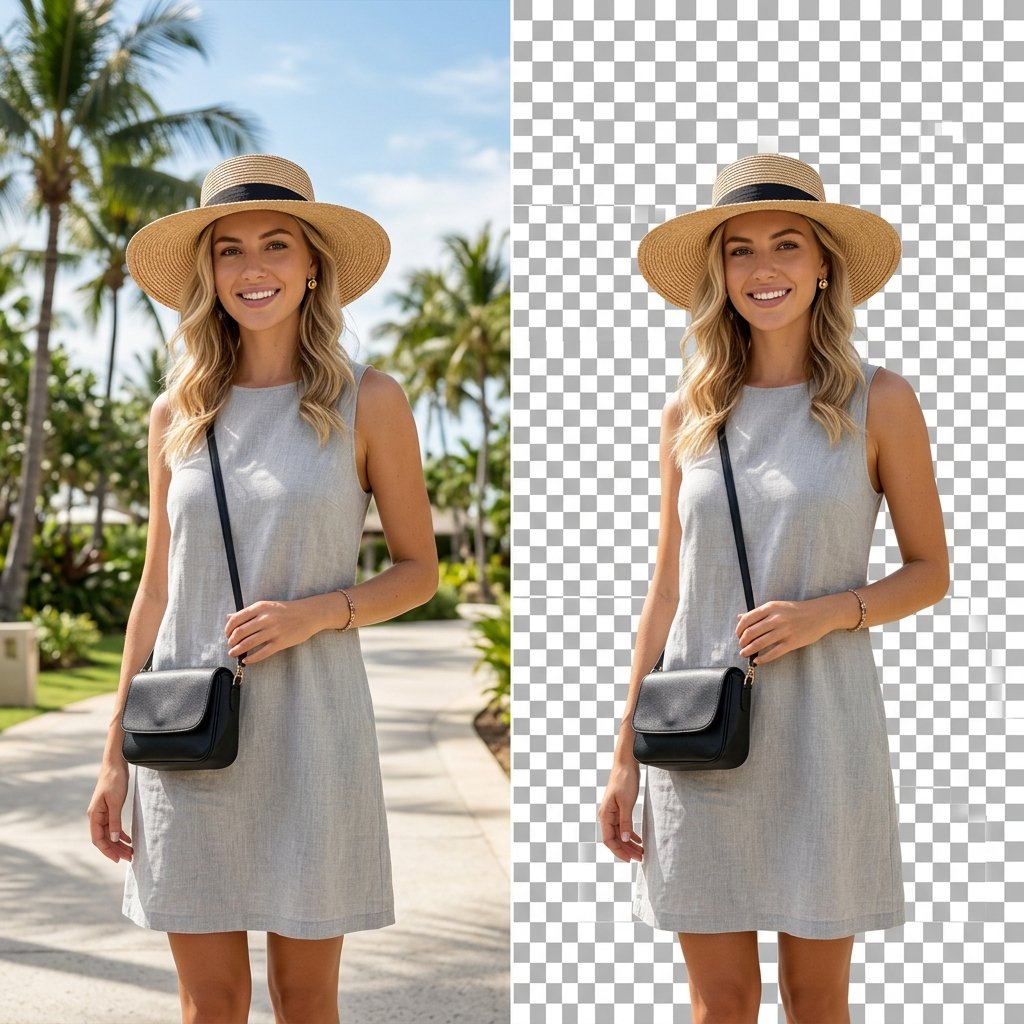
The background is removed instantly with clean edges. Preview with the slider.
Download PNG
Choose transparent, white, or any custom background color, then download your PNG.
Why Use Our AI Background Remover?
Built with cutting-edge AI — fully private, completely free, no registration required.
100% Private
Your images never leave your device. All processing runs locally using WebAssembly AI models — zero data upload.
Lightning Fast
The AI model is cached after first use. Subsequent removals are nearly instant, even for high-resolution photos.
Sharp Edges
Advanced segmentation ensures clean, pixel-accurate edges on hair, fur, and complex objects.
Forever Free
No subscription, no credits, no watermarks. Use it unlimited times — completely free for personal and commercial use.
Custom Backgrounds
Download as transparent PNG or pick any solid background color — white, black, or any custom hex color.
Works Everywhere
Fully responsive and touch-enabled. Works on desktop, tablet, and mobile browsers without any installation.
Perfect For Every Use Case
Frequently Asked Questions
Q: Is this background remover really free?
A: Yes, 100% free. No account, no credits, no watermarks, no hidden charges. You can use it unlimited times for both personal and commercial projects.
Q: Are my images uploaded to a server?
A: No. All processing happens locally in your browser using WebAssembly-powered AI. Your images never leave your device, ensuring complete privacy.
Q: Why does the first removal take longer?
A: The AI model (~15MB) needs to download to your browser on the first use. After that, it's cached locally and future removals are nearly instant.
Q: What image formats are supported?
A: PNG, JPG/JPEG, and WEBP formats are supported. Maximum file size is 25MB. The output is always a transparent PNG.
Q: How accurate is the background removal?
A: Our AI model handles most common subjects — people, products, animals, and objects — with clean edges. For very complex subjects like fine hair in front of busy backgrounds, results may vary.
Q: Can I add a custom background color?
A: Yes! After removal, choose from preset colors (transparent, white, black, etc.) or pick any custom color using the color picker, then download your PNG.